> ## Documentation Index
> Fetch the complete documentation index at: https://magic-21.mintlify.site/llms.txt
> Use this file to discover all available pages before exploring further.
# User Experience
> Overview of How it works.
A simple and rewarding checkout experience your customers love. No account, routing, or microdeposits needed.
## Step 1: Choose Magic at checkout
* Customer completes shopping and selects the Magic Pay by Bank option at the checkout.
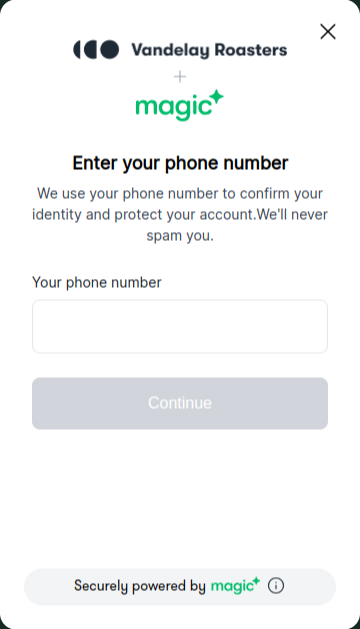
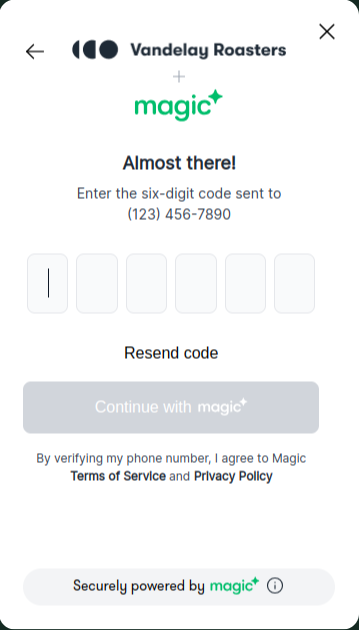
* Magic will open it's hosted page and will prompt with Two factor authentication page, where customer can authenticate with their phone number.
 ## Step 2: Authenticate with Plaid
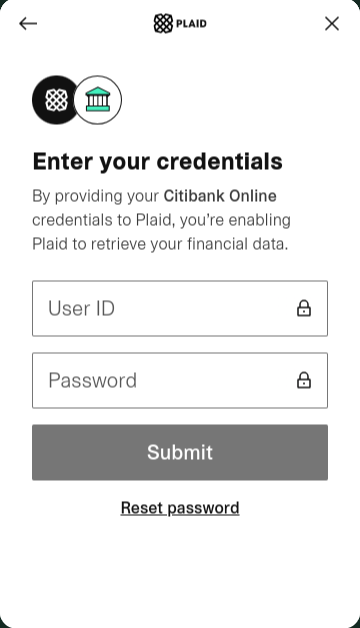
* We use Plaid to link customer’s bank account, just like Venmo or Cashapp. It’s free, seamless, and secure.
* Once customer successfully authenticate, then they will need to authenticate with bank and need to link their payment method with Plaid.
## Step 2: Authenticate with Plaid
* We use Plaid to link customer’s bank account, just like Venmo or Cashapp. It’s free, seamless, and secure.
* Once customer successfully authenticate, then they will need to authenticate with bank and need to link their payment method with Plaid.

 ## Step 3: Pay with Magic
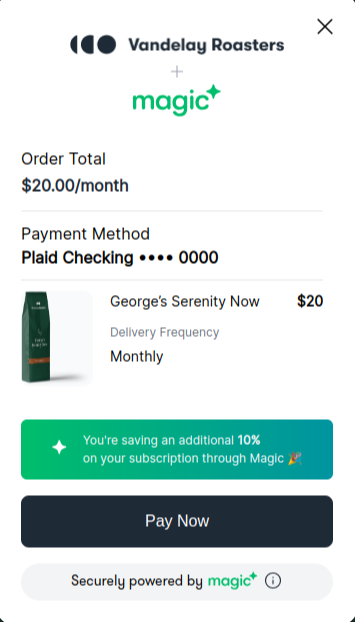
* Supercharge existing subscription discounts with Magic's additional rewards at checkout!
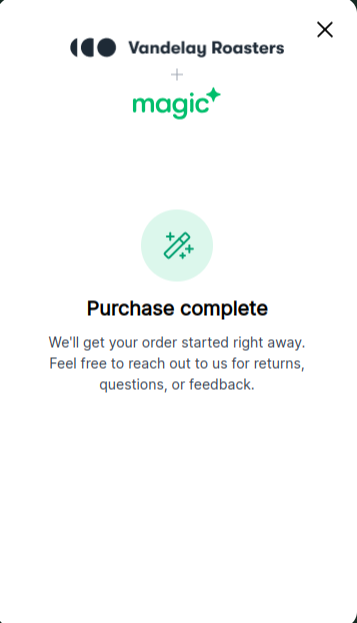
* On successfully linking bank with plaid, customer will redirect to complete purchase page where customer will process with **Pay Now** button and it will redirect to relatively success or error page based on payment response.
## Step 3: Pay with Magic
* Supercharge existing subscription discounts with Magic's additional rewards at checkout!
* On successfully linking bank with plaid, customer will redirect to complete purchase page where customer will process with **Pay Now** button and it will redirect to relatively success or error page based on payment response.
 Magic combines a user-friendly interface with strong security features to provide an optimal user experience. Please refer to our detailed documentation for step-by-step instructions on each component.